





 Print
Print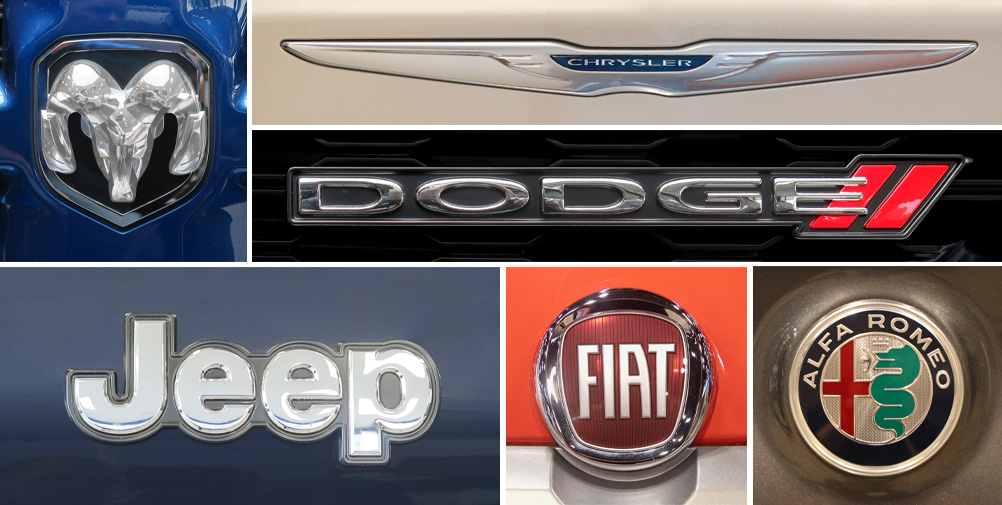
Why do I need a subscription to an OEM website if I have full subscription access to the I-CAR Repairability Technical Support (RTS) portal? This is a question received on a regular basis through Ask I-CAR. Let’s take a look at why and how to purchase an OEM subscription.
With your RTS subscription, you gain access to a research department in your company for the hard to find information and on the information that needs clarification. While we can't send out vehicle maker repair procedures, (due to copyright laws) we can let you know if the information exists before you spend hours and money only to find out that the information does not exist.
There are two FCA/Stellantis websites available. The free, www.moparrepairconnect.com, website is where positions statements can be found.
The pay website is where body repair manuals, technical documents, positions statements, and the like can be found. The following information is also located on the pay website; vehicle service information, service bulletins/recalls, wiring, owner manuals, parts, and diagnostics.
FCA/Stellantis has several subscription options available. To purchase a subscription:
- Go to stellantisiop.com
- Click Register (middle of webpage)
- Read the Terms and Conditions, and Privacy Policy
- Check the I Accept box
- Scroll down to fill in your user information
- Check I’m Not A Robot
- Click Register
- Check your email for the verification link from Stellantis
- Click the Verify Email button in the email
- Click Login
- Enter your username and password and click Login
- Select your desired OEM (left side of the webpage)
- Click Buy A Subscription (right side of webpage)
- Click Aftermarket (upper right corner of webpage)
- Click Register (bottom right of webpage)
- Enter your email and click Sign Up
- In your email, click the Link button that appears in the email sent to you by Stellantis
- Fill out your information
- Check I’m Not A Robot
- Click Register (bottom of webpage)
- Enter your user name and password and click Login
- Select the method in which you prefer to receive your passcode
- Click Send
- Enter your 4 digit passcode in the window that pops up
- Click Confirm
- A window pops up asking for your primary address
- Click OK and fill in your information
- Click Save
- Click Purchase (upper left of webpage)
- Subscriptions to collision repair information can be found under the Tech Authority Subscription tab (upper middle of webpage)
- Select subscription and click Add To Cart
- Click on the shopping cart icon (upper right corner of webpage)
- Click Check Out
- Click the drop down menu on the right to enter your billing address and click Save
- Enter your credit card information and click Save
- Click Place Order (bottom right of webpage)
For additional links to FCA/Stellantis vehicles, check out the following pages:
Alfa Romeo OEM Information
Chrysler OEM Information
Dodge OEM Information
Fiat OEM Information
Jeep OEM Information
RAM OEM Information
Additional I-CAR Collision Repair News you may find helpful:
