






 Print
Print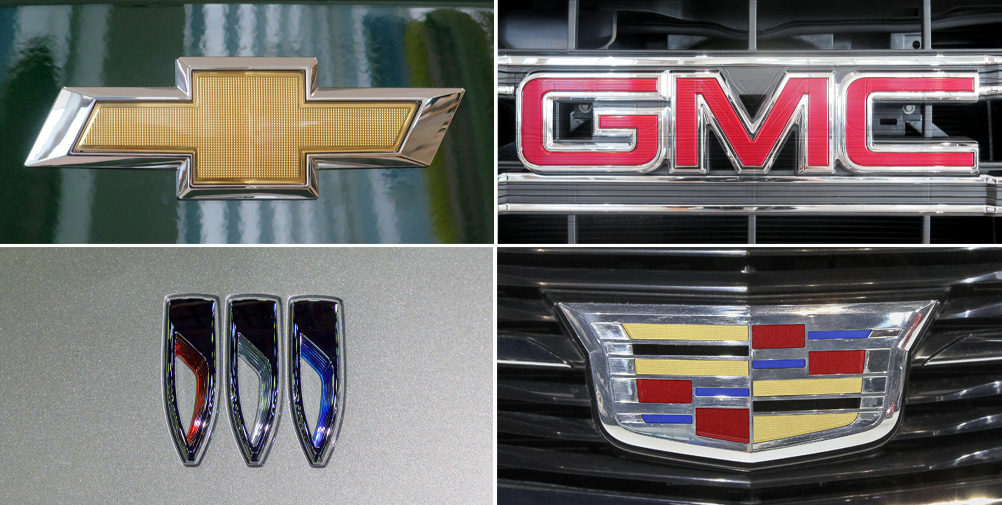
Why do I need a subscription to an OEM website if I have full subscription access to the I-CAR Repairability Technical Support (RTS) portal? This is a question received on a regular basis through Ask I-CAR. Let’s take a look at why and how to purchase an OEM subscription.
With your RTS subscription, you gain access to a research department in your company for the hard to find information and on the information that needs clarification. While we can't send out vehicle maker repair procedures, (due to copyright laws) we can let you know if the information exists before you spend hours and money only to find out that the information does not exist.
There are two GM websites available. The free, www.gmparts.com, website is a convenient one-stop to locate technical documents, positions statements, and the like. The pay website is where vehicle-specific body repair manuals are located.
GM has several subscription options available. To purchase a subscription:
- Go to www.acdelcotds.com
- Click on Login/Register (upper right-hand side of webpage)
- Click on Don’t Have An Account? Sign Up
- Complete each of the following sections:
- Customer Information
- Login and Password - pay attention to the special rules for the password
- Read through the Terms & Conditions Agreement and Click on I have read and agree to the Terms & Conditions
- Enter in the required Capcha and Click Save
- You will receive an email verification; the code will need to be entered and then Click Submit
- Once you have successfully registered, you will need to log into the website with your new credentials
- You will need to read through the Terms and Conditions of Use in the small window and Click the box by I have read and agree to the Terms & Conditions
- Click Agree and Continue
- Currently the status will be No Results Found
- You will need to go through and select the subscription for your needs
- Scroll to the bottom of the list, select Service Information
- From the dropdown, you will select either the Days, Month, or Year subscription option
- Click Add to Cart
- Confirm your selection and Click Checkout
- You will need to read through the Terms and Conditions of Use in the small window and Click the box by I have read and agree to the Terms & Conditions
- Click Agree and Continue
- Verify all of your billing information
- Click Next
- Enter in payment information
- Click Place Order
- Go back into your account and your newly purchased subscription will be available
- Click Access to proceed to the service information
For additional GM information, check out the following pages:
Chevrolet OEM Information
GMC OEM Information
Buick OEM Information
Cadillac OEM Information
Additional I-CAR Collision Repair News you may find helpful:
